

Configure an LLM integration
To run an experiment using prompts and a dataset, you need to set up an LLM integration. This can be used both to run the prompt using your dataset, and to evaluate the response against a metric.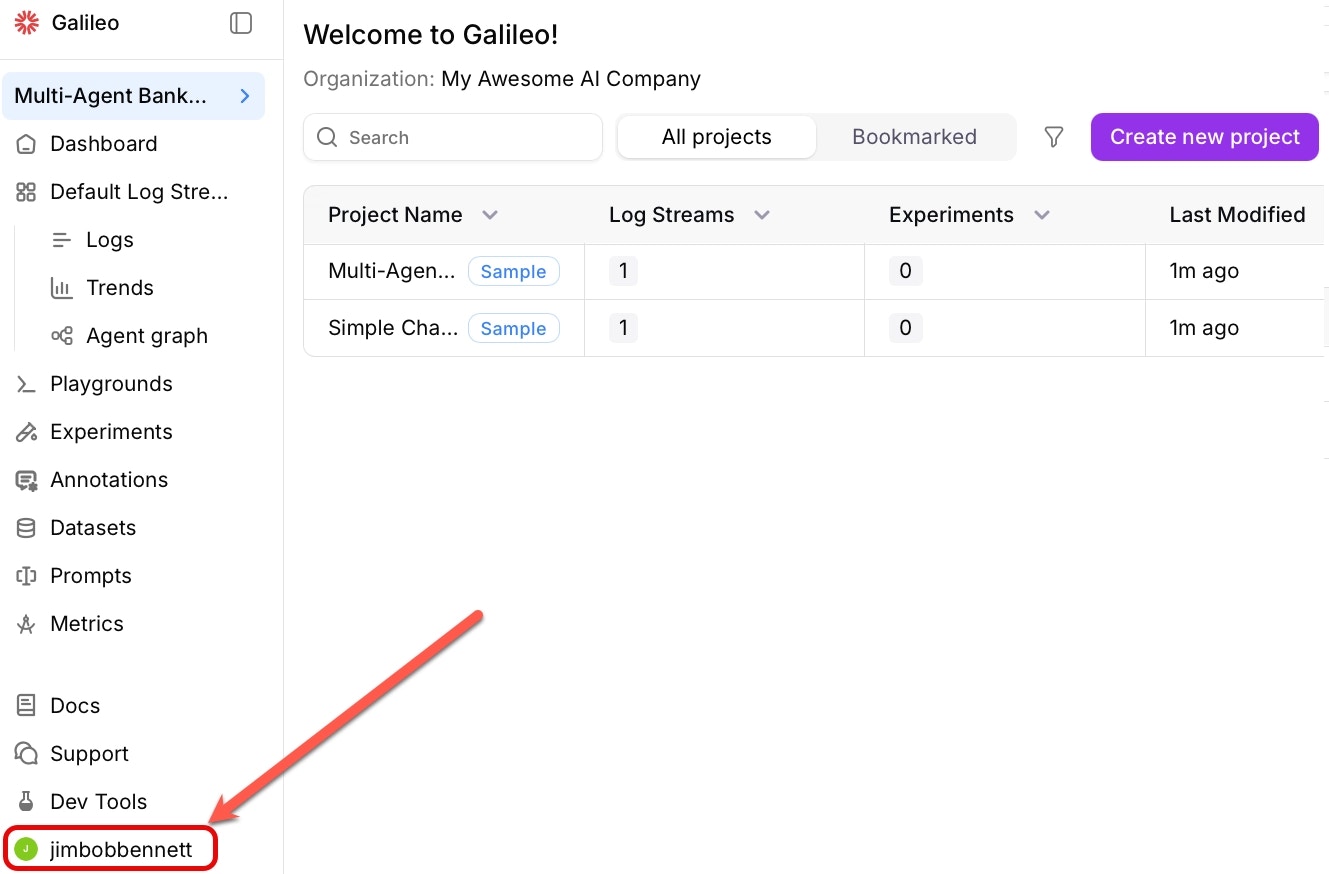
Open the integrations page
Navigate to the LLM integrations page. Select Integrations from the user menu.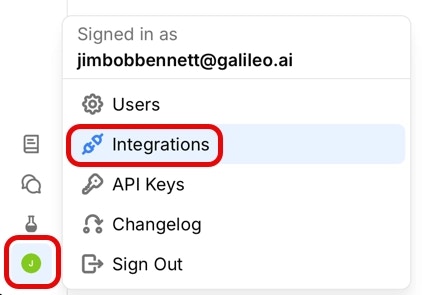
Add an integration
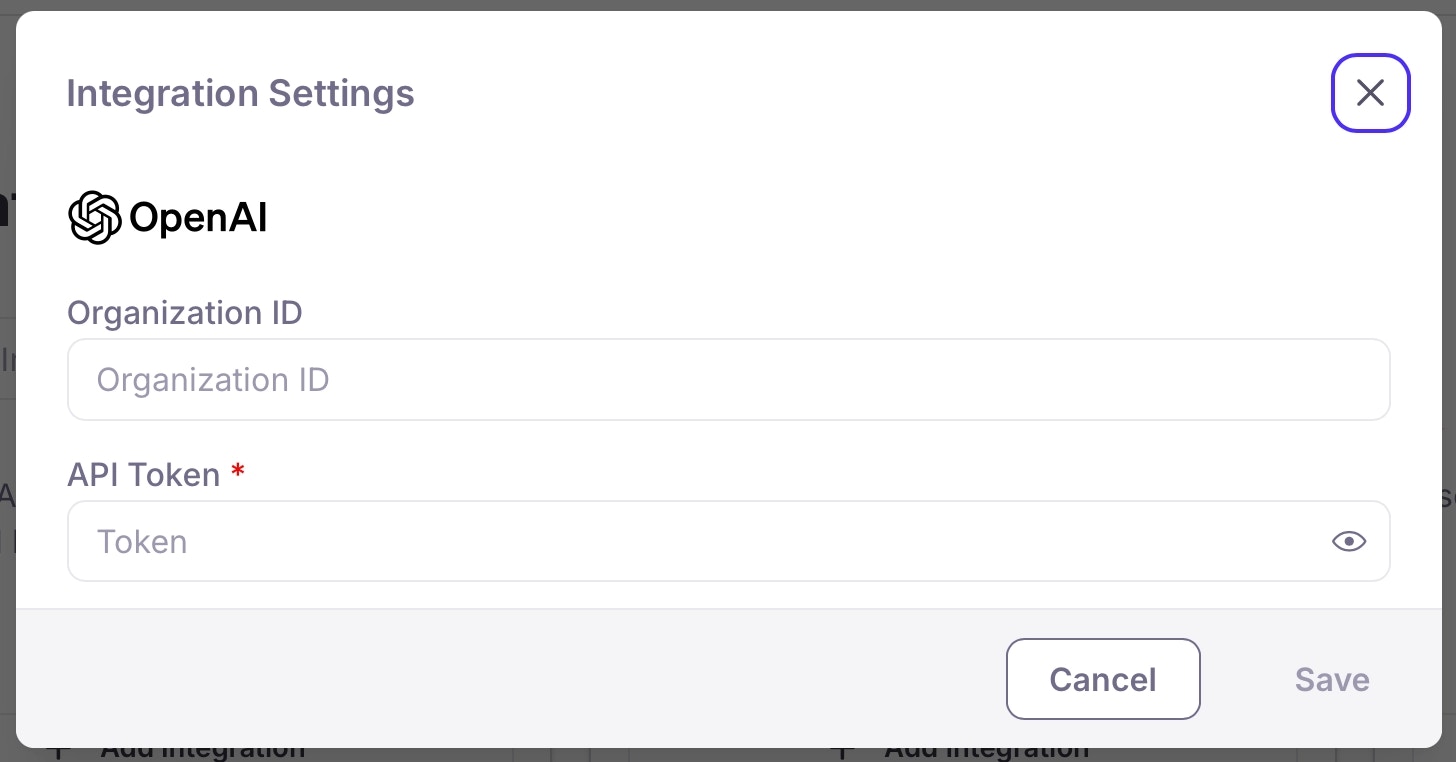
Locate the option for the LLM platform you are using, then select the +Add Integration button.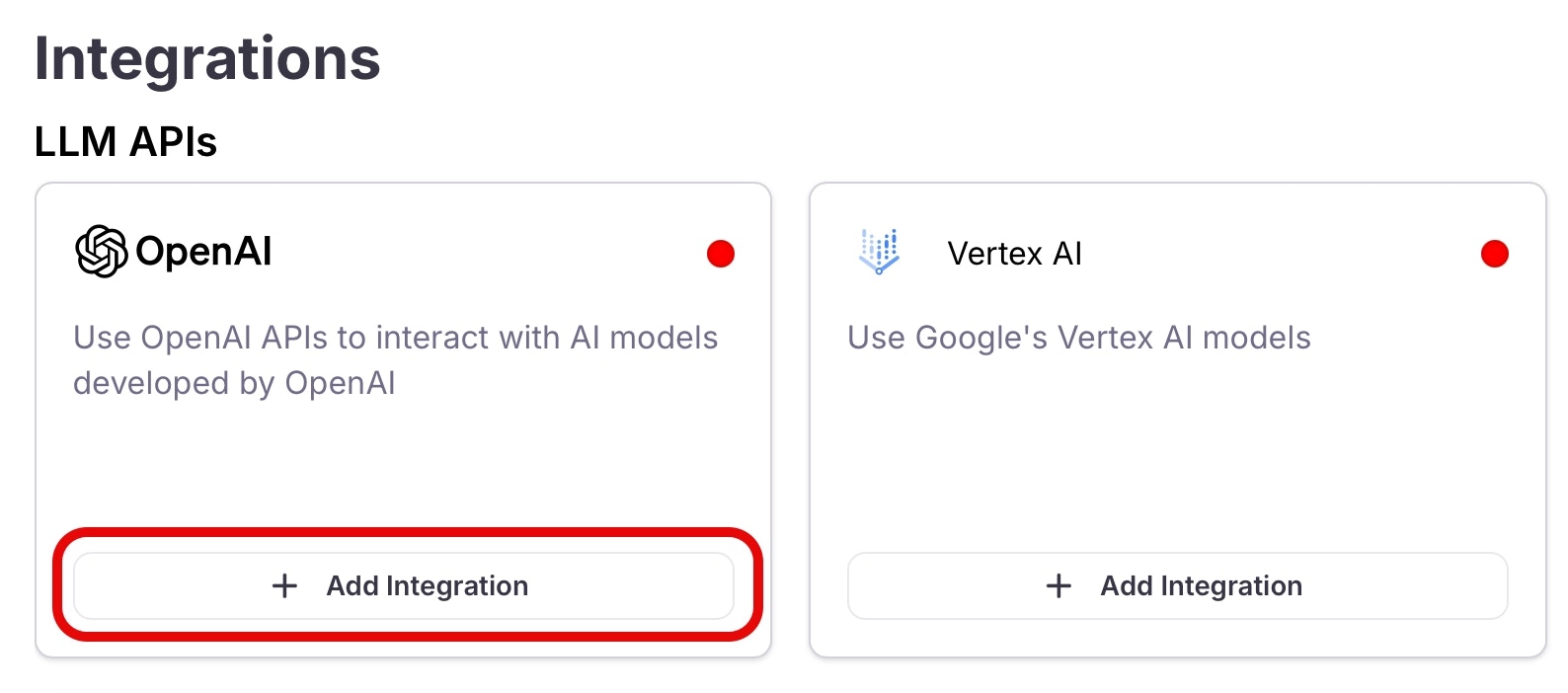
Run your experiment with a prompt template and dataset
Install dependencies
Install the Galileo SDK, and the dotenv package using the following command in your terminal:
Set up your environment variables
Create your application code
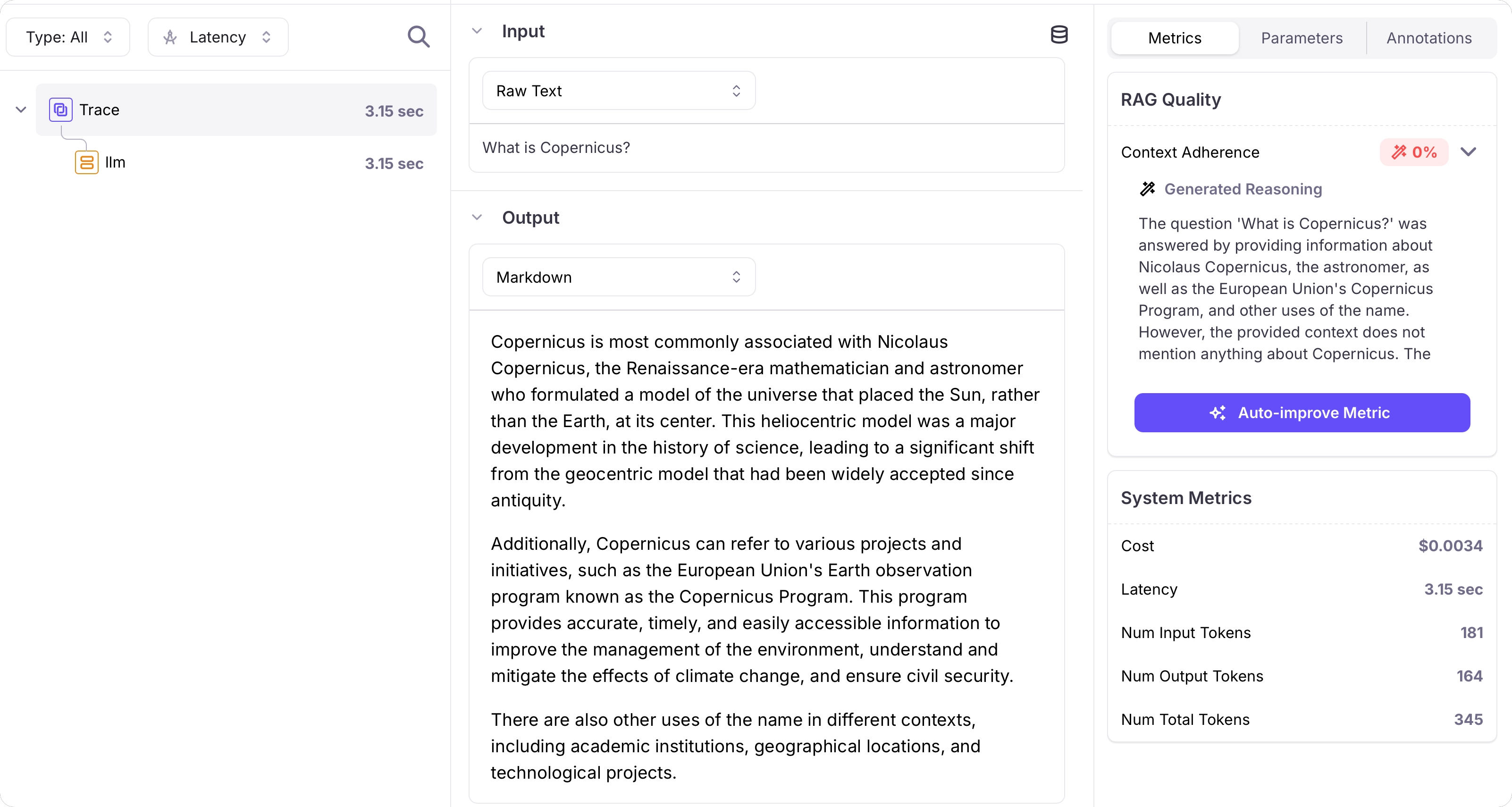
Create a file called This code creates a prompt containing a system prompt and user prompt, and the user prompt has a mustache template to inject rows from the dataset. It also creates a dataset.It then uses these to run an experiment, measuring context adherence.If the prompt or dataset already exist, they are loaded instead of being recreated.
app.py (Python) or app.ts (TypeScript) and add the following code:This code defaults to using GPT-4o. If you want to use a different model, update the
model_alias in the prompt settings passed to the call to run experiment.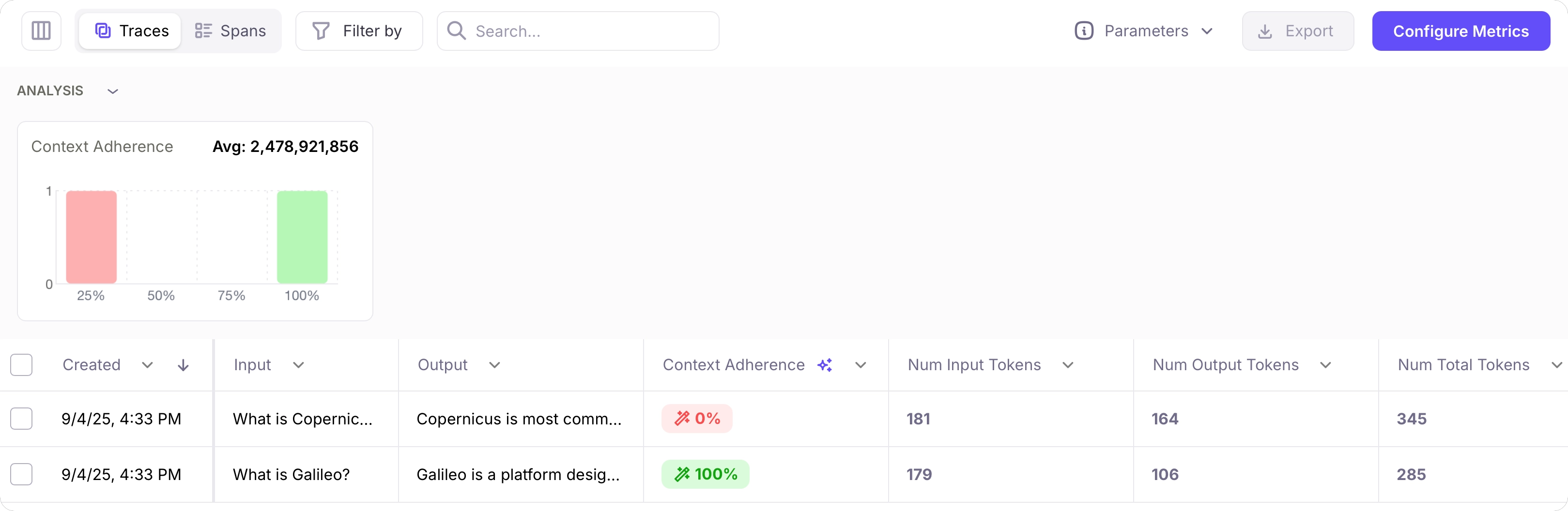
Troubleshooting
- I need a Galileo API key: Head to app.galileo.ai and sign up. Then head to the API keys page to get a new API key.
- What’s my project name ?: The project name was set when you created a new project. If you haven’t created a new project, head to Galileo and select the New Project button.
Next steps
Create a dataset
Learn how to create and manage datasets in Galileo.
Run experiments in playgrounds
Learn about running experiments in the Galileo console using playgrounds and datasets.
Run experiments with code
Learn how to run experiments in Galileo.
Compare experiments
Learn how to compare experiments in Galileo.