Overview
This guide shows you how to log spans to Galileo using theGalileoLogger.
The Galileo wrappers and @log decorator are the preferred way to create log traces and spans, but there are times when you need to manually create a trace or a span to give you more granular control over the data you are logging.
This guide shows how to manually log a number of spans when calling an LLM. This pattern can be used for times with the wrapper or decorator are not applicable, such as when using a unsupported LLM SDK such as the Azure AI inference SDK. You will be using OpenAI for this example.
In this guide you will:
- Create a basic app to call OpenAI
- Create a new Galileo logger to log traces and spans to
- Add spans
- Add more details to the trace
Before you start
To complete this how-to, you will need:- An OpenAI API key
- A Galileo project configured
- Your Galileo API key
Install dependencies
To use Galileo, you need to install some package dependencies, and configure environment variables.Install Required Dependencies
Install the required dependencies for your app. If you are using Python, create a virtual environment using your preferred method, then install dependencies inside that environment:
Create a basic app to call OpenAI
Add the following code to call OpenAI to ask a question
package.json file:package.json
Create a new Galileo logger to log traces and spans to
If you are using the Galileo wrappers or decorators, Galileo automatically create new logging sessions, traces, and spans for you. Seeing as you are doing everything manually, you will need to create a new logger.Create a logger instance
Create a new Galileo logger instance. In Python, do this at the start of the
main function. In TypeScript, do this before the call to promptOpenAI.This will pick up the project and Log stream from the
GALILEO_PROJECT and GALILEO_LOG_STREAM environment variables. You can override these if required by setting the relevant constructor parameters.Create a new trace
The hierarchy for Log streams is Sessions contain traces, which contain spans. If you start a new trace, a session is created automatically.Create a new trace using the logger by adding the following code just below the declaration of the logger:
Conclude and flush the logger
Once you have finished logging a trace, you need conclude it, passing in the output. Once concluded, you need to flush it to send it to Galileo.Add the following lines to the bottom of the Your full code should now look like this:
main function in Python, or the end of the app.ts file in TypeScript:View the logged trace
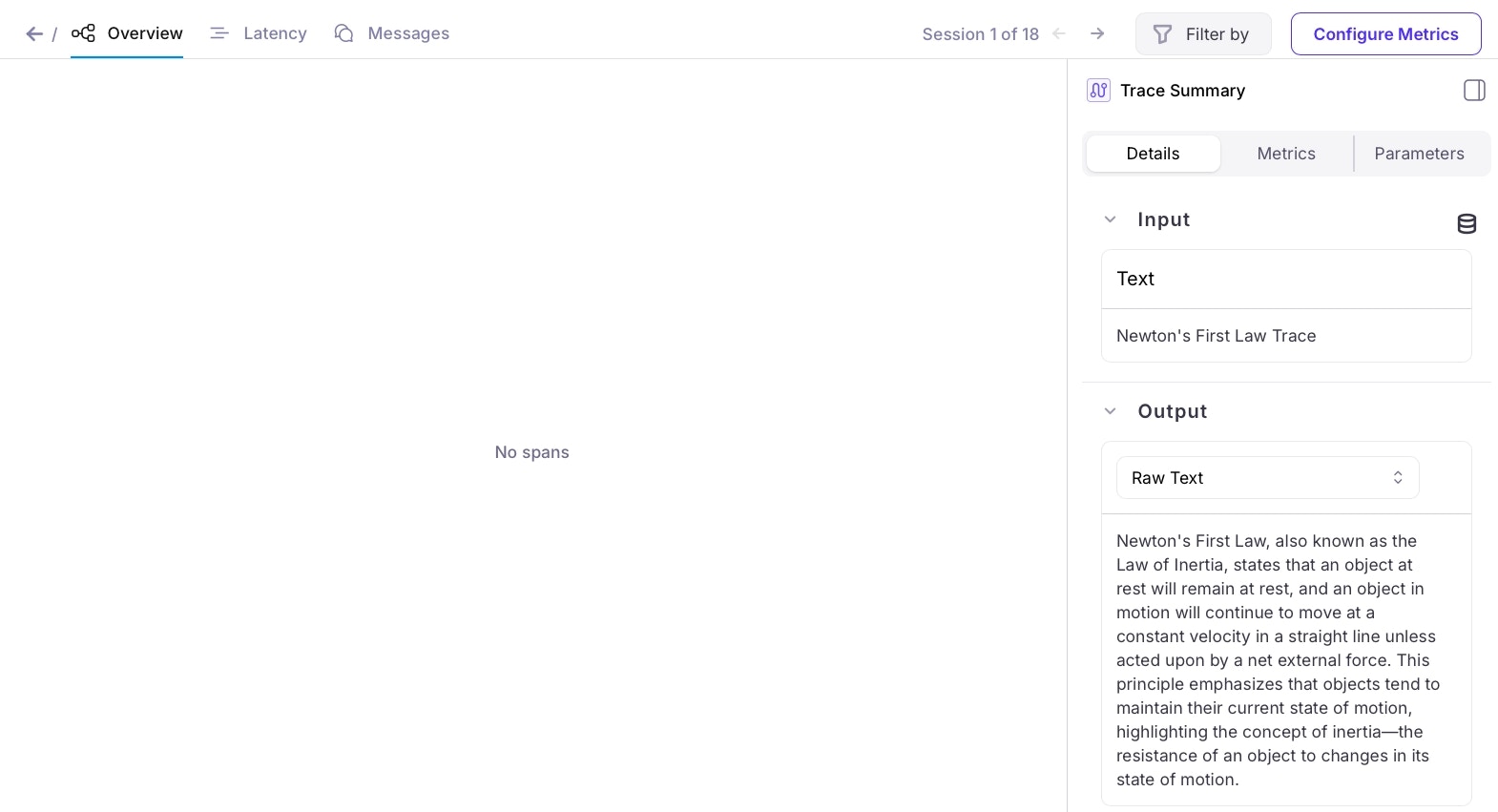
From the Galileo Console, open the Log stream for your project. You will see a trace in the traces table.
Add spans
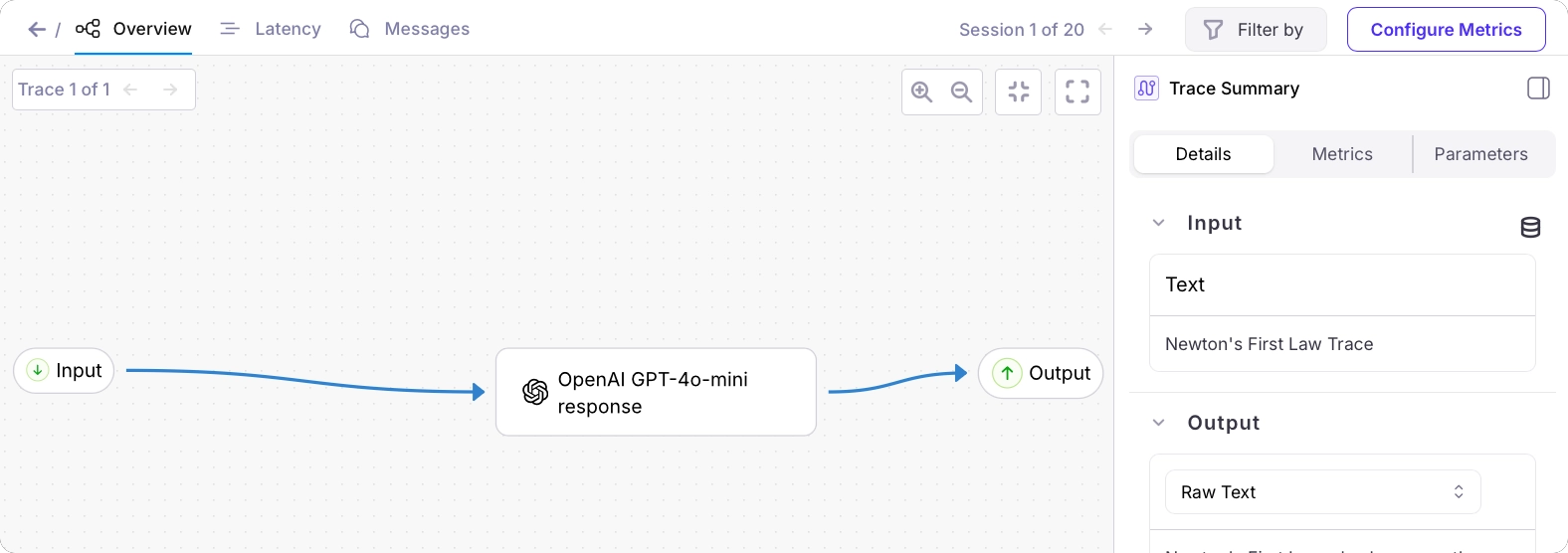
The next step is to add spans to the trace. You will be adding an LLM span. LLM spans can contain a range of details about the LLM call. As well as the input and output text, you can add properties such as the number of tokens used, temperature, and more.Pass the logger to the prompt OpenAI function
To use the logger, first you need to pass it to the prompt OpenAI function.Update the function definition to the following:Update the call to this function in the
main function to pass the logger:Log the LLM span
After the call to the LLM in the prompt OpenAI function, add the following to create an LLM span. Pass in the prompt, and the response from the LLM, along with details of the model and a name.
Add more details to the trace
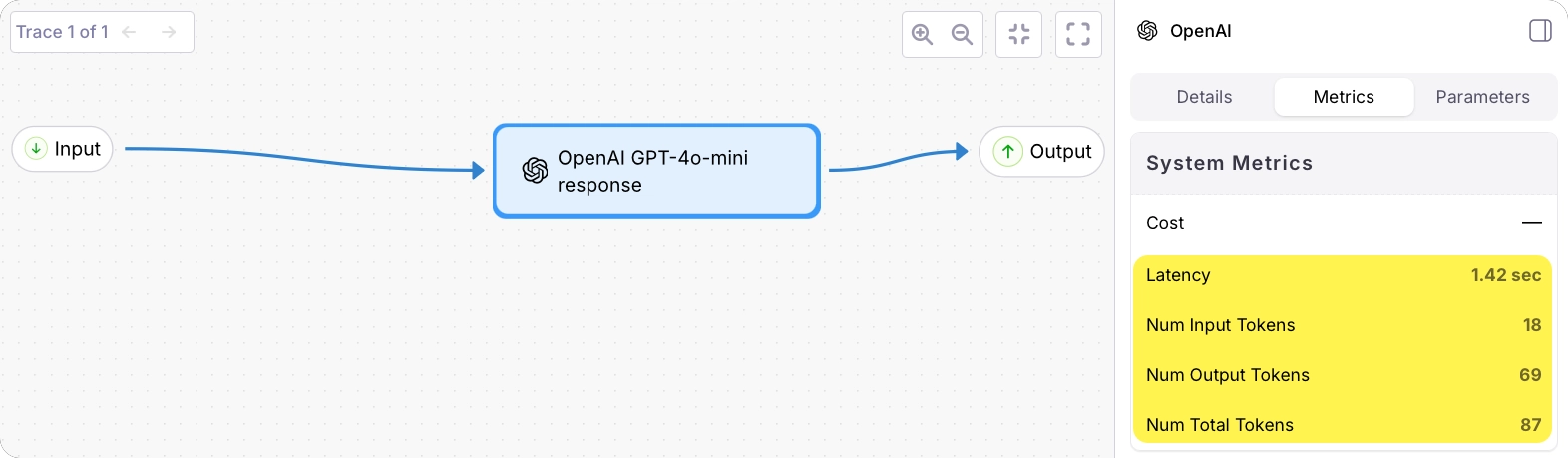
Now you have a span, you can add more details to both the span and the trace, such as duration to help measure latency in your app, and number of tokens to help understand usage and cost.Add the number of tokens to the LLM span
Update the call that adds the LLM span to include the details of the tokens returned by the call to OpenAI:
Add the duration of the LLM call
If you time the call to the LLM, you can pass this duration to the LLM span.If you are using Python, add an import for Add code to time the LLM call:Add this duration to the LLM span:
time to the top of the file:app.py
Add the total duration
It can also be helpful to time the entire trace. This allows you to spot bottlenecks in your application.Add similar code to time the code between starting the trace and concluding it. Then pass this to the
logger.conclude call: